iOS and Android
Colors and effects
Apply LUTs, grain and halation and choose whether to keep an original copy.
Prerequisites
- Valid capture
- Media library access
- Valid .cube file for a custom LUT
Included LUTs
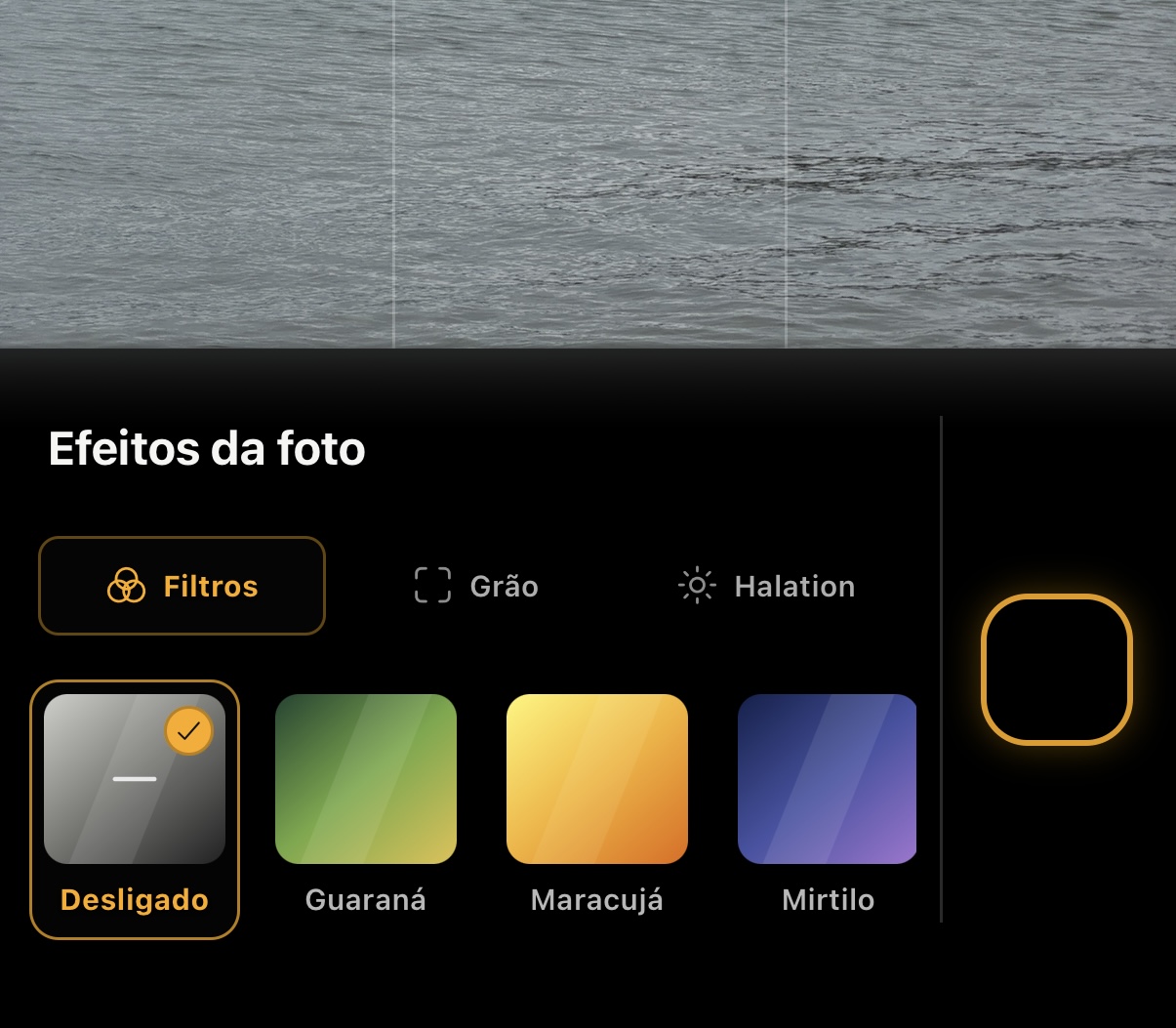
The catalog includes Guaraná, Maracujá, Mirtilo, Pitaia, Damasco, Cinema, Ameixa and Banana. The effect is applied during capture processing and may be recorded in Komorebi's own metadata.
- Choose Off in the Filters tab to apply no LUT.
- The preview is a reference and may differ from the final image.
Import a .cube file
- Open Settings and go to the custom LUTs area.
- Select a .cube file you created or are licensed to use.
- Confirm the import; its contents are stored locally.
- Remove the LUT in settings when you no longer want to keep it.
Editing in Apple Photos
In Settings → Capture and files → Photographic Styles, Editing in Apple Photos creates a HEIF with editable styles. Enabling it returns the processed format to HEIF; it requires the native iOS module. Choosing JPEG in File format turns this preference off.
Live Photo pauses this option. Portrait, Image Stacking and HEIF+ can apply styles to HEIF output; both Bayer RAW and ProRAW apply styles only to the selected processed companion or derivative. The DNG remains unchanged and receives no styles. This preference does not prove that every lens and Photos version will support editing: check the saved file on your device before relying on this pipeline.
On the same screen, Photographic Styles 3 adds texture and grain to editable styles on compatible iPhones and iOS versions. Check the available options when opening the photo in Apple Photos.
Prepare styles from the galleryNew
On iOS, open a photo, tap Information and expand Photographic Styles under Create and edit. When the image is eligible, Create copy with Styles saves a HEIF copy of the current version and keeps the original. Open the copy in Apple Photos to edit styles. The Photographic Styles 3 option adds texture and grain on compatible devices and iOS versions.
Apply grain and halationNew
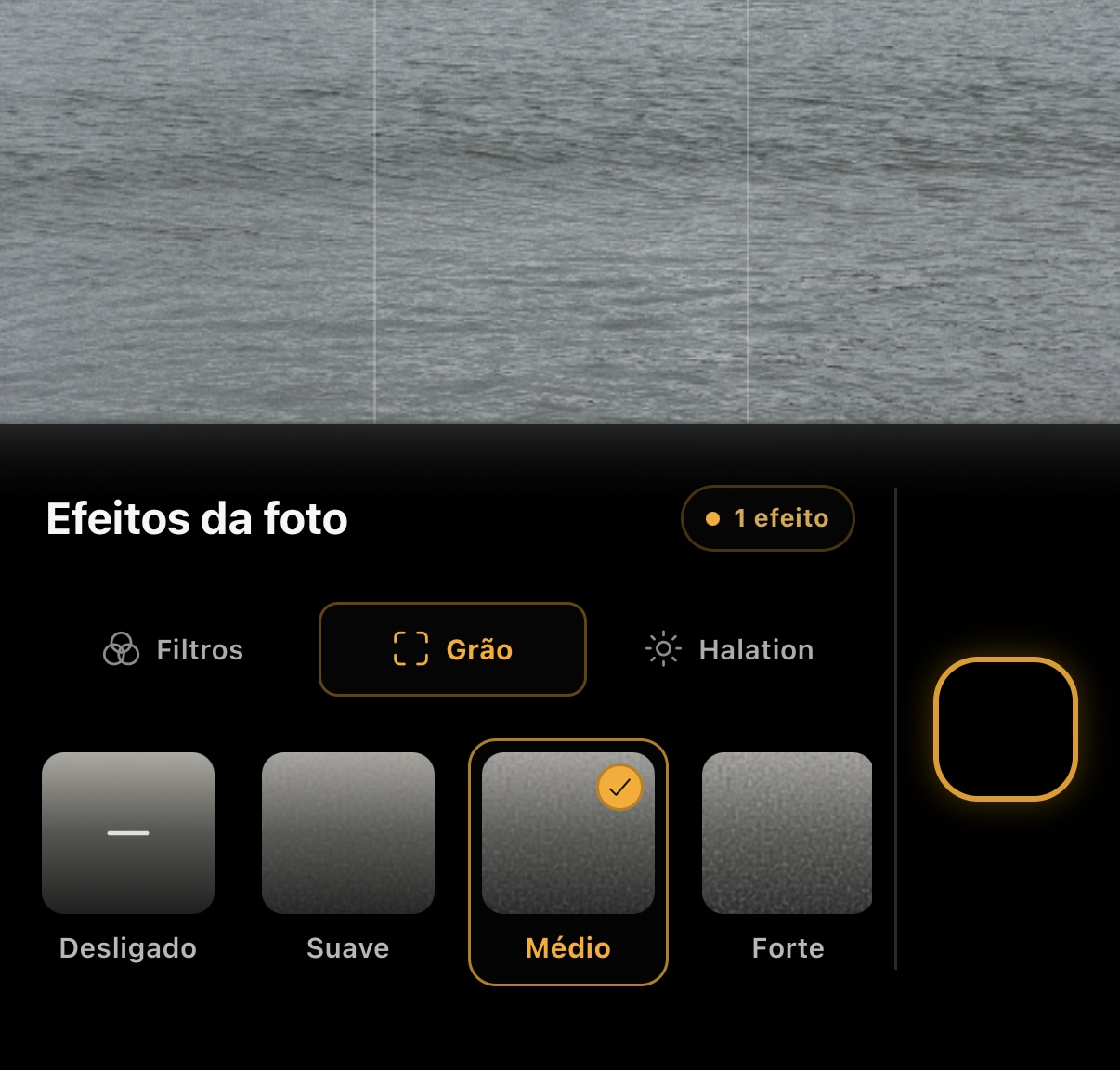
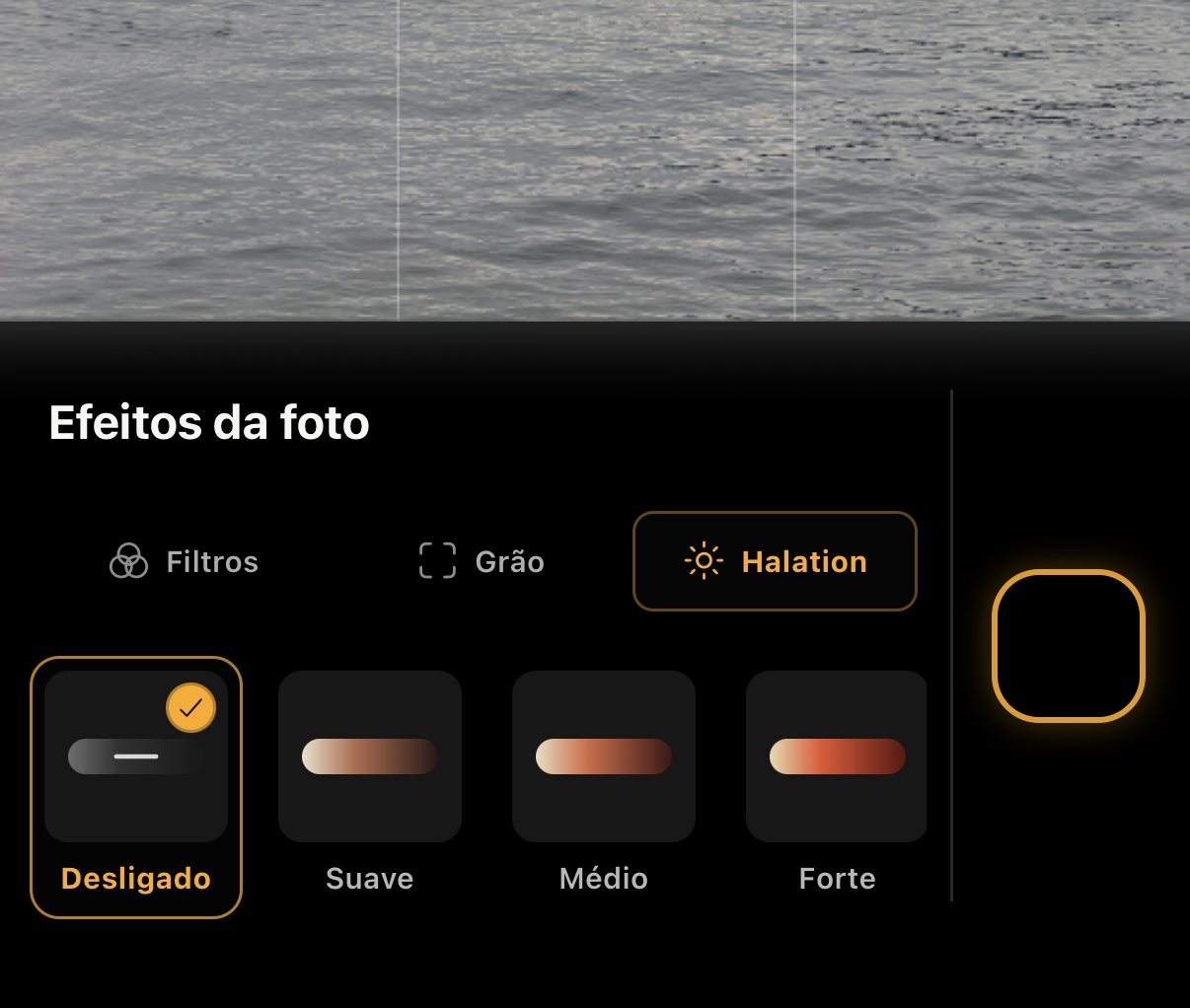
Grain and halation have been recalibrated and now offer three direct intensities: Soft, Medium and Strong. Grain simulates photographic texture; halation creates a diffuse reddish halo around highlights with local contrast.
- Choose Off in the Grain or Halation tab to turn off each effect.
- LUT, grain and halation can be combined in the same processing pass.
- Enable the original copy option to also save a version without LUTs and effects when the pipeline allows it.